Welcome to the forum for MobiFlight! Feel free to reach out to the community in case you have questions, issues or just want to share great ideas or details about your latest home cockpit project.
You like MobiFlight? Donate via PayPal and support the MobiFlight development. Thanks!
The community support for MobiFlight has moved exclusively over to our Discord server. Register for free and enjoy more interactive functions like image and video upload, voice chat. More than 7,000 registered users around the world make it a great experience!
See you on our MobiFlight Community Discord server.
A HUGE Thank You to everyone who participated in the forum, especially obviously to Pizman and Stephan who did an outstanding job over so many years providing an incredible service to the MobiFlight community.
The forum is still providing a lot of good content, hence we keep this information accessible.

Offset: 6524 Volue Type: Float Size in Byte: 4
Transform: $*1000+0.1
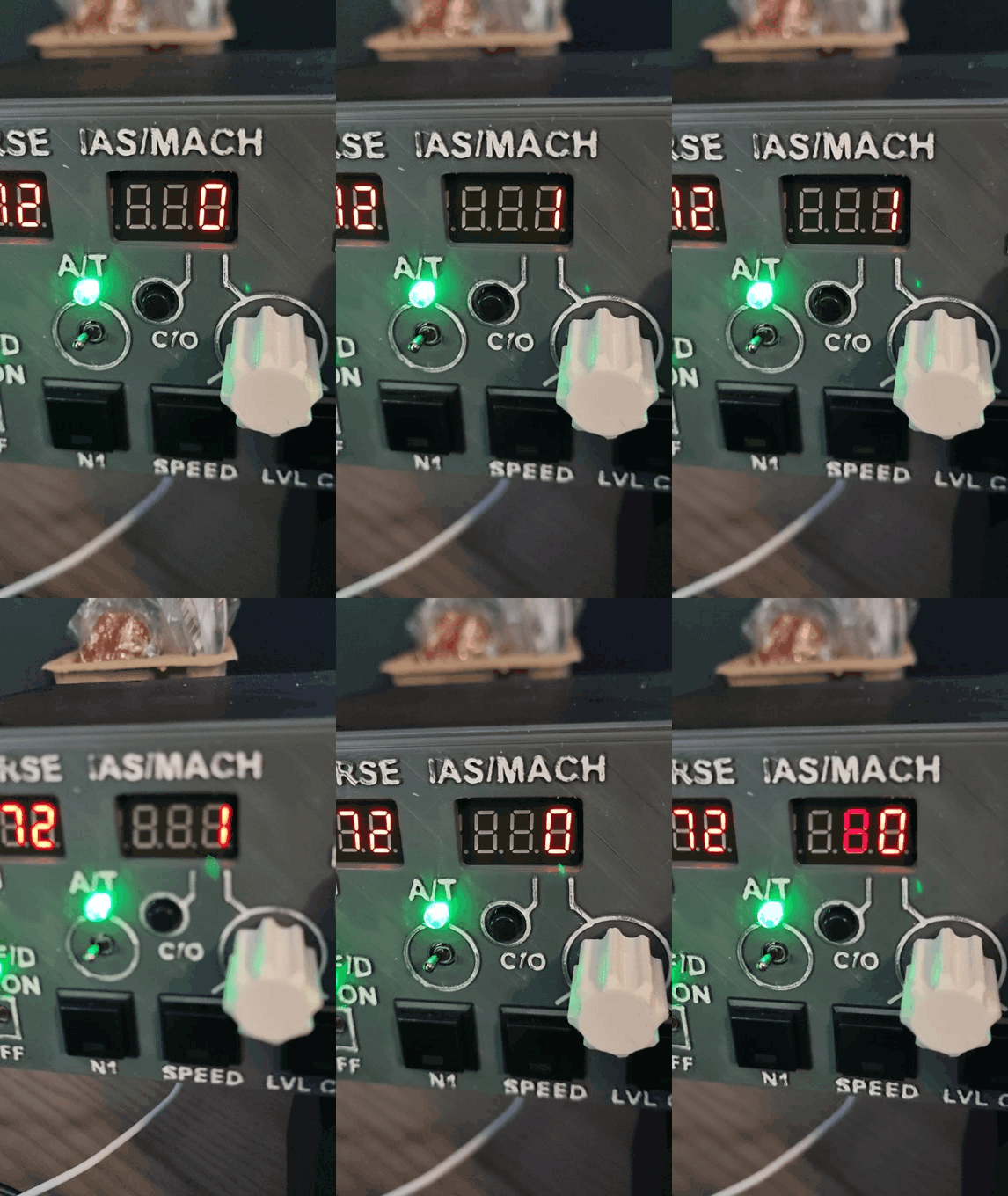
Display: 3 digits DECIMAL POINT under the left 3th digit, Left Padding YES - SPACEBAR
Compare:
If current volue is : >0 set it to: $ / 10.0 ( WITH DOT) else:
Precondition 1:
Choose config : MCP_IAS_DISPLAY if current Value is : <10
Precondition 2:
Choose config : MCP_IASBLANK_DISPLAY_READONLY if current Value is : = 0


1. High length Names. ...
For example " MCP_IASBLANK_DISPLAY_READONLY"
Some users report that Long names in Configs "can" get into trouble.
Also Symbols like "_" are "maby" problematic in larger config files.
2. IAS MACH Speed
Transform: $*1000+0.1
If current volue is : >0 set it to: $ / 10.0 ( WITH DOT) else:
Here i miss the ROUND parameter.
Check this .... https://www.mobiflight.com/forum/message/5920.html
THEN you understand why i use decimal instead of point like you ..... Cause the Decimal is a part of the rounding function.
With ROUND you not need the +0,1 in transform.
MACH:
Offset 6524 4 byte Float Multi 1000 (THOUSAND), 3 digits DECIMAL POINT on the left of the 3 digits, Left Padding YES - SPACE (Here the same display and positions as for IAS)
For Compare use IF Value is bigger then Zero >0 THEN Round($ / 10,0)
....
You simply "miss" the ROUND Command.
Correct Syntax for the THEN Field in Compare tabe is .... "Round($/10,0 " Its a DECIMAL not a Point !!
Here is original text...
MACH:
Offset 6524 4 byte Float Multi 1000 (THOUSAND), 3 digits DECIMAL POINT on the left of the 3 digits, Left Padding YES - SPACE (Here the same display and positions as for IAS)
For Compare use IF Value is bigger then Zero >0 THEN Round($ / 10,0)
....


In aviation, they make it very easy to handle. They just say "decimal", no matter if it's a comma or a dot.

Here the master is wrong.
The name POINT is only valid for flights within the USA.
For international flights DECIMAL applies.
Thats not 100% correct i think..... here we got a location fact, too. US Airspace (FAA) and the Rest of the World (ICAO).
...
There are more differences.... For example in Europa they say "Line up and Wait" in US you hear "Position and Hold"



 Supporter