MobiFlight Community Support

Welcome to the forum for MobiFlight! Feel free to reach out to the community in case you have questions, issues or just want to share great ideas or details about your latest home cockpit project.

You like MobiFlight? Donate via PayPal and support the MobiFlight development. Thanks! 

05/03/2024 - This forum is read-only

The community support for MobiFlight has moved exclusively over to our Discord server. Register for free and enjoy more interactive functions like image and video upload, voice chat. More than 7,000 registered users around the world make it a great experience!

See you on our MobiFlight Community Discord server.

A HUGE Thank You to everyone who participated in the forum, especially obviously to Pizman and Stephan who did an outstanding job over so many years providing an incredible service to the MobiFlight community.

The forum is still providing a lot of good content, hence we keep this information accessible.

icon
Avatar
Luisoo_89
Posts: 11
Hello! I have made an 737 pedestal for use in 737-700 PMDG in fs2020. I have tried to find the PMDG event for show the radio and VOR frequency but i havent been luck.
Someone could help me where can i find it? And if its necessary to use ofsets, someone could teachme how to configure it in mobifligth? Because i dont know the byte and other items that are need for configure.

Thanks so much
2022-10-05 23:19
Avatar
pizman82
Moderator
From: ETSI, Germany
Posts: 6010
Supporter
For now (as i know) your requested Elements not exist as "PMDG Data"
Whatever in old NGX (FSX, P3Dv3) or in the new NGX"u" (P3D) and as i know also not in the FS2020 PMDG....

They simply use the stock Frequencys in there internal System.
So e.g. for COM1 Active you have to simply read the official generic Asobo/Microsoft Preset ( via Simconnect) or you read the FSUIPC Offset for COM1.

As i know this workes fine for COM1/2 and NAV1/2 but we get in trouble for the ADF.... Cause here in the past P3D /FSX not support the Standby.
Here PMDG got a internal Variable we could read via FSUIPC in there own Offset Range.
I not know the situation in FS2020..... Here you would need to ask "Jaime Leon" on our DISCORD..... He is the Pro USer for all FS2020 PMDG questions.

At Last.... As i know we have still a problem with the B737 in case there is a essential Offset missing ! Maybe Jaime have to confirm this!
Instead of PMDG 777 and 747 the 737Ngx not include the Data for the "Used Transiver Radio".


So we can read for sure the LED/Status for the Active Mic and also the active Speaker ....


BUT
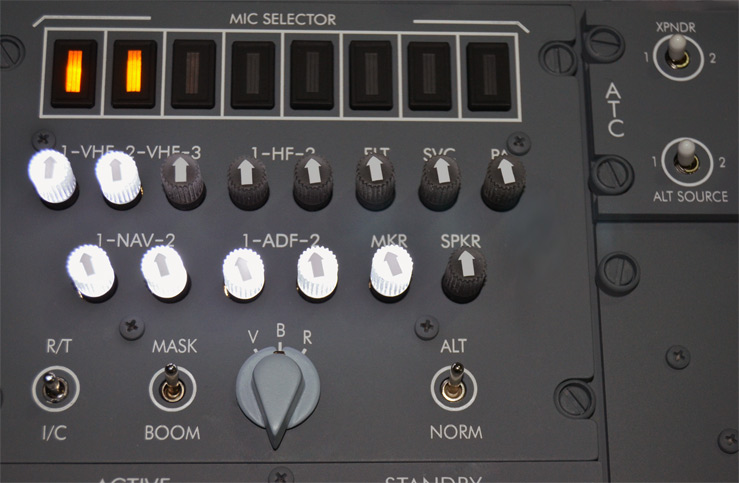
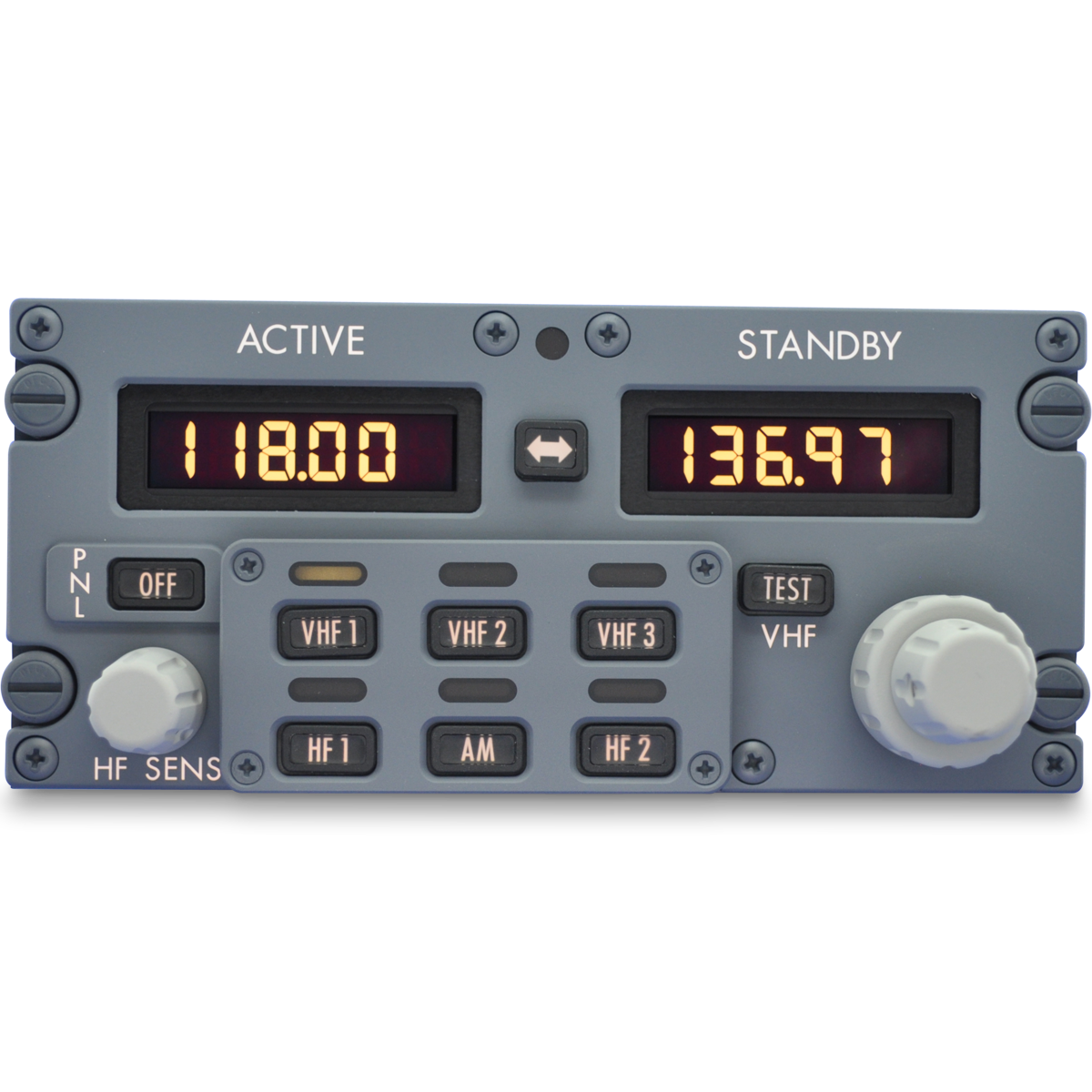
We could NOT read the active choosen Radio ( The 6 LED for VHF1,VHF2 and so on....)


The big problem.... To define what Stock Data ( COM1, COM2 and so on) is shown on The Displays we exactly would need THIS Information!.
To Solve this we Build our Own Logic ( With a Mobiflight Variable or a Custom Offset) where we store this information internal by make Double Commands for that Buttons.
Means press the VHF1 Button set in PMDG the system AND also set our Variable to "0"..... So we can use our Variable as Condition for the Display then!

NOTE: The last part is my experience from the past. Maybe there is still a better way. I can not confirm in case i not own the FS2020 PMDG myself already.
Good Luck !
2022-10-06 07:16
Avatar
Luisoo_89
Posts: 11
Hello! I have find in 737-700 PMDG LIST the switch for HF2 which name is “ PMDG 737 Hf2 Switch” for captain site.
Do you know if VHF1,2,3 AM, HF1 will be able? Thanks!!
I cant send a photo for show you!
2022-11-01 21:29
Avatar
Luisoo_89
Posts: 11
I have also other problem with max7219. I show you in this video. Someone could help me? Thanks

https://youtu.be/LUesTUj6Pkg
2022-11-01 21:44
Avatar
pizman82
Moderator
From: ETSI, Germany
Posts: 6010
Supporter
iconLuisoo_89:

I have also other problem with max7219. I show you in this video. Someone could help me? Thanks


Hi

Sorry for late reply.... I overread this.

Your problem is fully different.... You just made a error in case you missunderstand the system!

You use 7 Displays..... Your settings tab show me each is set as a "single Device" cause you use always different Pins.
So your displays are wired each single by 5 wires to the Arduino Board..... 4 at BoardA .... Another 3 at Board.

The "NUM" Field (you choose at startup with 1,2,3,4,5,6,7 is NOT used this way.
That field is used when you "Chain" a Display!

You can build Chains of Max Chips.... So you connect e.g. Display 1 tpo Arduino and Display 2 on the right side of Display 1 .... Display 3 on the Right side of Display 2 and so on.

If you do this ( e.g. to save Pins on Arduino) THEN you need to tell Mobiflight how many Chips you currently use within this Chain.... And exactly that is done with this NUM Dropdown.

SOLUTION: You use 7 Displays single.... so simply use NUM:1 for each !
Good Luck !
2022-11-09 19:12
icon